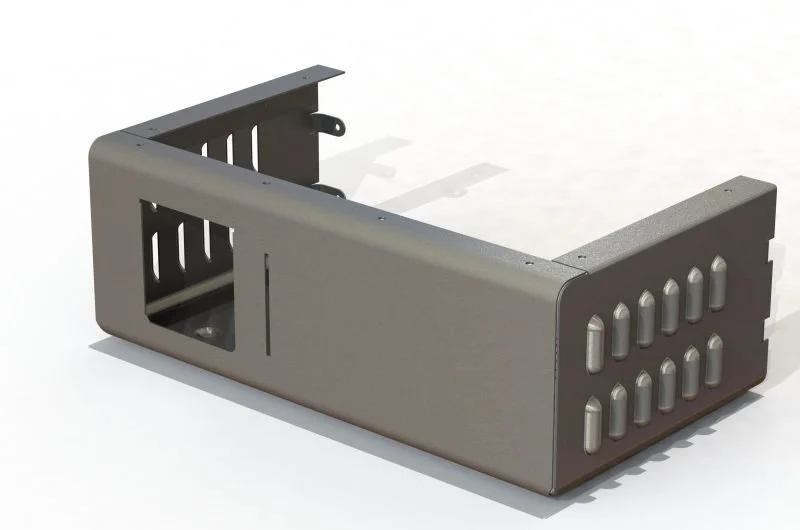
A Sheet Metal part can look perfect in SolidWorks... and still be difficult (or expensive) to manufacture.
After more than 20 years designing products for manufacture, I've noticed the same mistakes appearing time and time again.
Here are five that stand out:
1. Holes too close to bends
They often distort during forming and can end up out of tolerance.
2. Missing bend information
If the drawing doesn't clearly define bend direction, radius or manufacturing notes, someone has to guess.
3. Incorrect bend allowance
Using the wrong K-factor can mean the flat pattern doesn't fold to the required finished dimensions.
4. Features placed across bend lines
Slots, embosses or cut-outs positioned without considering the bending process can cause deformation or require secondary operations.
5. Drawings that answer every question... except the important ones
Material, finish, tolerances, revision, bend notes and manufacturing intent should all be immediately obvious.
Good sheet metal design isn't just about making a part that folds.
It's about making a part that can be manufactured accurately, consistently and economically.
Every hour spent getting the model and drawing right can save many hours on the workshop floor.
A Sheet Metal part can look perfect in SolidWorks...
Previous
Previous
One simple change can save thousands in manufacturing...
Next
Next